Open peering policy
The LSIX route servers peer with any member ASN. Bilateral policy is owned by the members themselves — neither the exchange nor Data Facilities mediates.
Peering is included on every BareFABRIC Port, delivered by LSIX — the LayerSwitch Internet Exchange. Open policy, RPKI route servers, jumbo MTU.
Peering is included on any BareFABRIC Port. Enable the Peering VLAN — at THG1 or at any of the ten fabric locations — and the port is on the exchange. No cross-connect, no setup fee, no separate contract.
The exchange is LSIX, the LayerSwitch Internet Exchange: a regional peering platform with more than 150 connected networks across datacenters in Amsterdam, Rotterdam, Delft and The Hague. LSIX is operated by LayerSwitch B.V. LayerSwitch and Data Facilities are both part of the Ellada group. The exchange stays neutral: its own members, its own peering LAN, its own policies.
Route-server sessions come up automatically. Bilateral sessions are between the member and the other party, as on any exchange. The member roster and traffic statistics are public — on the LSIX PeeringDB record and at lsix.net.
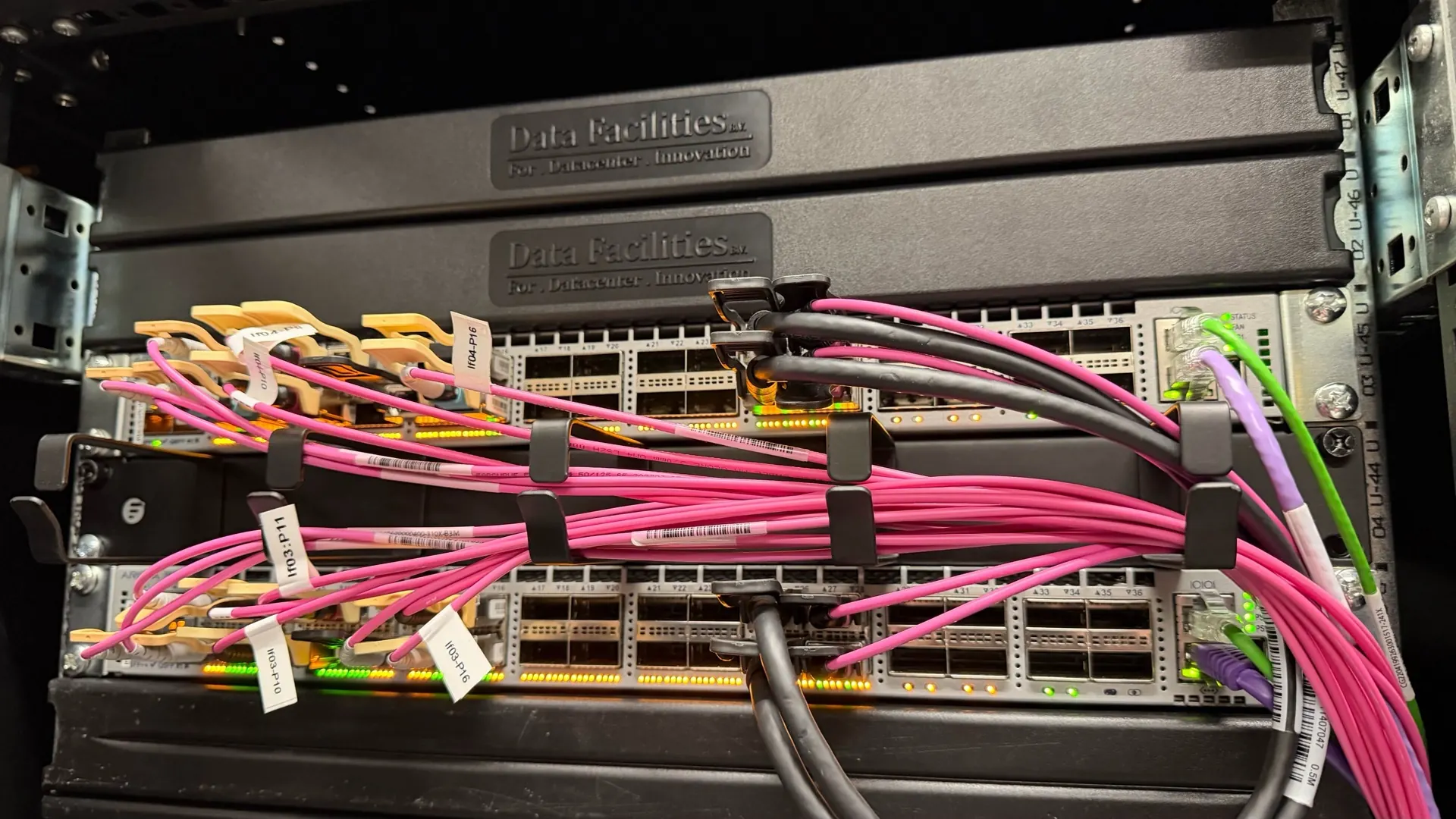
The LSIX route servers peer with any member ASN. Bilateral policy is owned by the members themselves — neither the exchange nor Data Facilities mediates.
Route Origin Authorizations are validated against the RPKI repository. Invalid routes are dropped by default on the route servers.
Land at THG1 directly, or enable the Peering VLAN at any of the ten fabric locations — the peering LAN extends across BareFABRIC.
Member list, IP allocations and traffic graphs are public — on the LSIX PeeringDB record and at lsix.net.
Peering is included on every BareFABRIC Port — these are the speeds available at the exchange itself.
| Speed | Setup | Recurring | Notes |
|---|---|---|---|
| 10 G | None | Included on the BareFABRIC Port | SFP+ single-mode |
| 100 G | None | Included on the BareFABRIC Port | QSFP28 single-mode |
| 400 G | None | Included on the BareFABRIC Port | On request only at launch |
Order a BareFABRIC Port, enable the Peering VLAN in the portal, register MAC + IPv4 + IPv6 + AS-SET. Route-server sessions come up automatically.


